Cannabis POS System for Small Shops: Compliance Ready
Contents
- Why a General POS Falls Short
- Core POS Features to Require
- Compliance Features to Check
- General POS Versus Cannabis Needs
- What Delivery-Only Operations Should Check
- Integration Questions for POS Vendors
- Choose a POS, Then Demo
A point of sale system for a small business usually just needs to ring up sales and track stock. A small licensed cannabis dispensary or delivery business needs more: compliant checkout, real-time inventory, seed-to-sale tracking integration, purchase limit enforcement and sales manifests.
This article is a buying checklist for small and early-stage licensed cannabis operators, not a general small-business POS roundup. Generic small-business POS comparisons rarely cover cannabis-specific compliance and payment requirements.

Why a general small-business POS system falls short for licensed cannabis retail
A general small-business point-of-sale system is not built for cannabis regulations. State cannabis regulators, such as California's Department of Cannabis Control, require licensed operators to track every plant and product through a seed-to-sale system called Metrc. Metrc is a track-and-trace system: it follows cannabis from cultivation to final sale. A point-of-sale system built only for standard retail checkout cannot meet that reporting duty on its own.
Payment processing is also different for licensed cannabis retailers. Cannabis remains a Schedule I controlled substance under federal drug law, which is why major card networks and many banks avoid processing cannabis transactions. Whether a bank will serve a cannabis business at all is left to that bank's own risk decision. A small operator needs a point-of-sale system built around cashless or alternative payment handling, not a standard card swipe.

This platform's compliance layer can integrate with Metrc, BioTrack, Leaf Data and other state-mandated seed-to-sale tracking systems. These are features to look for. Cannabis rules vary by state and change over time: confirm the current requirement with your state regulator before you buy.
Core POS features every small cannabis dispensary should require
A cannabis POS software system built for dispensaries should already include four baseline features: compliant checkout, real-time inventory, customer profiles and kiosk mode.
- Compliant checkout. This platform's dispensary point of sale software includes compliant checkout at the register.
- Real-time inventory. This platform's POS also tracks real-time inventory, updating stock as each sale happens. A single-location dispensary needs this as much as a multi-location chain. One register working from stale counts can sell product that is already gone.
- Customer profiles. The same system keeps customer profiles tied to each sale. For a small shop, this feature can replace a separate loyalty tool or customer database instead of adding another system to manage.
- Kiosk mode. This platform's POS includes kiosk mode, a self-serve checkout option built into the same system. Self-serve checkout that runs on the existing POS means a small dispensary skips buying and managing separate kiosk hardware from another vendor.
Match the inventory feature to your store's size before you sign. See how inventory management built for small cannabis shops works day to day.
Compliance features to check before you buy
The compliance half of the Small-Dispensary POS Buying Checklist covers four features. This platform's compliance features include METRC package intake, purchase limit enforcement, METRC sales delivery manifests and inventory adjustments synced to METRC. Ask any vendor to show you each one before you sign.
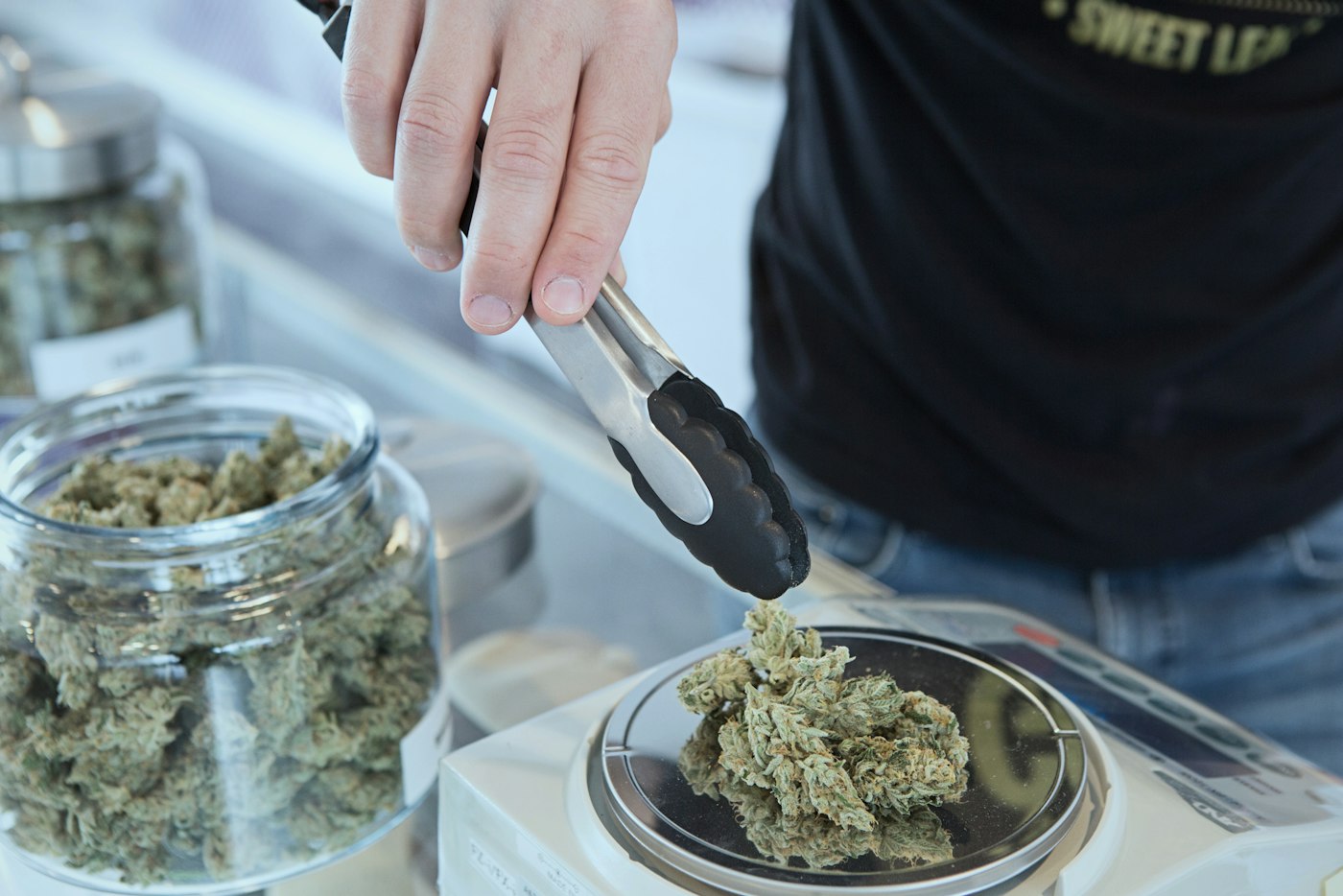
- Package intake that logs incoming inventory against the state's tracking system.
- Purchase limit enforcement that stops a sale once a customer hits the state cap.
- Sales delivery manifests generated for each order that leaves the store.
- Inventory adjustments that sync back to the state's system after a correction or a return.
Confirm which tracking system your state requires before you buy. This platform integrates with Metrc, BioTrack, Leaf Data and other state-mandated systems. Check that list against your own state's program rather than assume one system fits every license. See the METRC compliance page for a closer look at these tools.
No vendor can promise an audit outcome. The operator stays responsible for following state rules at every sale.
General small-business POS vs. what a small licensed cannabis dispensary or delivery operation also needs
A general small-business POS and a cannabis-ready POS look alike at first glance. Both ring up sales and track stock. The table below shows where a small licensed dispensary or delivery operation needs more.
| Feature area | What a general small-business POS covers | What a small licensed cannabis dispensary or delivery operation also needs |
|---|---|---|
| Checkout | Processes everyday card and cash sales at the register. | Compliant checkout built for cannabis retail, with kiosk mode for self-serve orders. |
| Inventory | Tracks stock counts and flags reorders. | Real-time inventory that stays current as products move. It syncs adjustments to the state's METRC tracking system. |
| Customer data | Stores basic contact details for receipts and marketing. | Customer profiles that store buyer history. They support purchase limit enforcement at checkout. |
| Delivery operations | May add a simple online ordering option. | Its own ecommerce store and consumer mobile app. AI route optimization, a driver fleet app and delivery zones. |
| Compliance and tracking | Has no built-in regulatory reporting. | METRC package intake and sales delivery manifests generated at checkout. |
What a small delivery-only cannabis operation should look for differently
A delivery-only cannabis business needs more than checkout and inventory tools. A cannabis delivery platform adds AI route optimization, real-time dispatch, a driver fleet app, delivery zones and inventory kits to the same system. A small operator should check for each of these before signing a contract. Learn more about cannabis delivery software built for small operators.
Route optimization plans each driver's stops, and real-time dispatch lets a manager reassign orders as they come in. Ask a vendor how the system handles a last-minute order change or a driver who calls in sick.
A driver fleet app puts each driver's stops and order details on one phone. Delivery zones mark the areas a business delivers to. The platform includes both a driver fleet app and delivery zones. See the post on setting up dispensary delivery zones for how to set zone boundaries.
Inventory kits let a delivery operator bundle products for a route instead of repacking each order by hand. Inventory kits are part of the same delivery software. Ask whether kits update automatically against the live inventory count.
Delivery orders still need the sales delivery manifest covered in the compliance section above. Make sure the system you choose creates one automatically for every delivery route, not just for in-store sales.
Integration questions to ask a POS vendor before you sign
Before you sign with any vendor, ask exactly which outside tools its system already connects to. A platform built for cannabis retail should support marketing and listing tools, not just a card reader and a register screen. Integration partners for this kind of platform include Weedmaps for listings and Alpine IQ for marketing automation. They also include Straddle for ACH (bank transfer) payments and Zapier or custom webhooks for other connections.
Ask each vendor to confirm which of these, or similar tools, its system supports today. If you also sell online, check how those orders connect to the rest of your operation. A cannabis ecommerce setup can include an online store, a consumer mobile app, SEO optimization and order management. Ask whether orders placed through either channel update the same inventory and customer profiles the register uses, instead of running as a separate system.
You already know why standard card processing is hard to find in this industry. Ask each vendor how its system handles ACH transfers or other cashless payment methods, and ask for a live demo of that payment flow. Before you commit, review the vendor's full list of integration partners to see exactly which systems it already supports.
Choose a POS sized for your dispensary's compliance load, then book a demo
A checklist on a page only tells you so much. The real test is whether a vendor's cannabis point-of-sale software handles compliant checkout, real-time inventory, customer profiles and kiosk mode as one system. Walk through each checklist item in a live demo, not a feature sheet.
WebJoint's dispensary point-of-sale software gives operators compliant checkout and real-time inventory in one system. If this checklist matches your dispensary or delivery business, book a demo to see how the system fits your state's compliance needs before you sign.