Fleet App
A driver-facing mobile app for completing deliveries with real-time order flow, optimized routing, and vehicle inventory visibility.
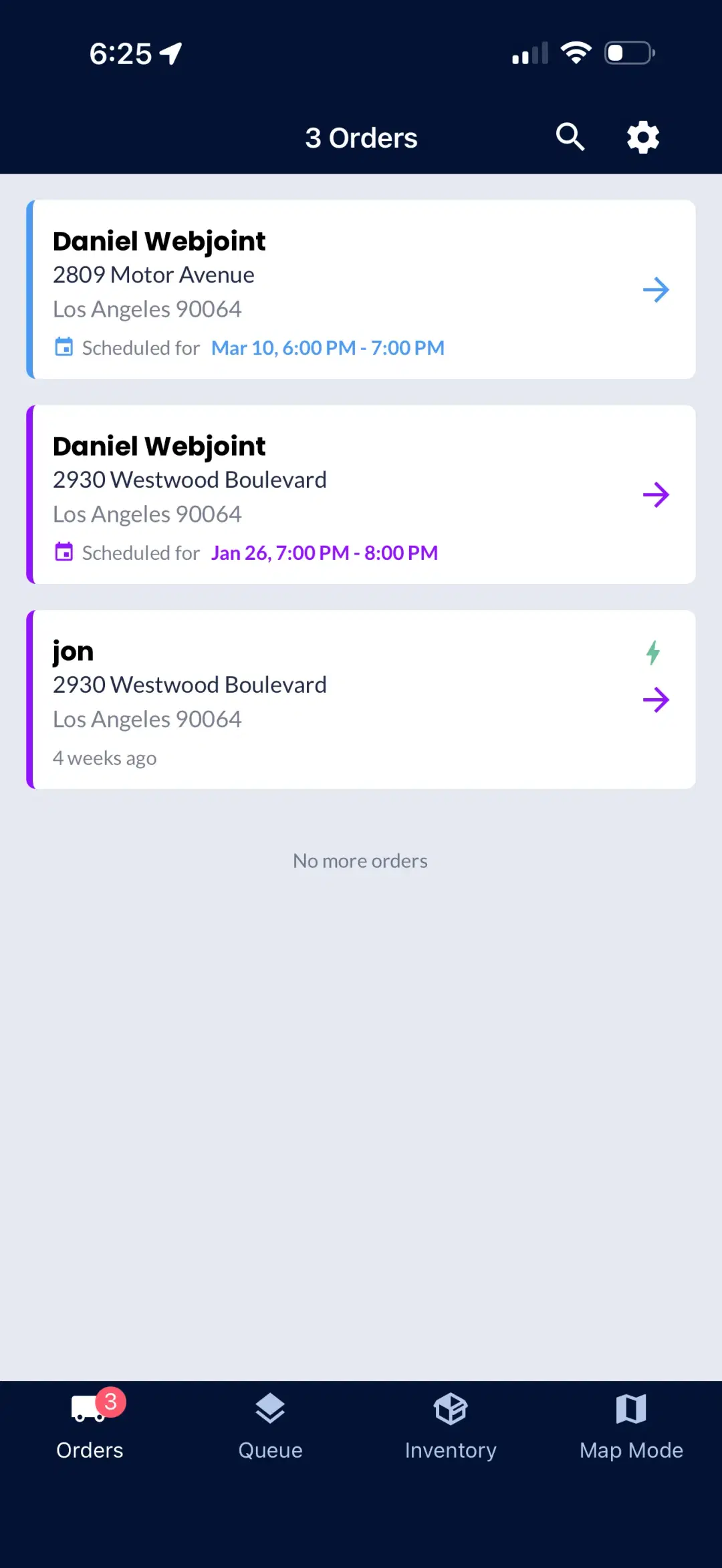
3 Orders
Assigned queue
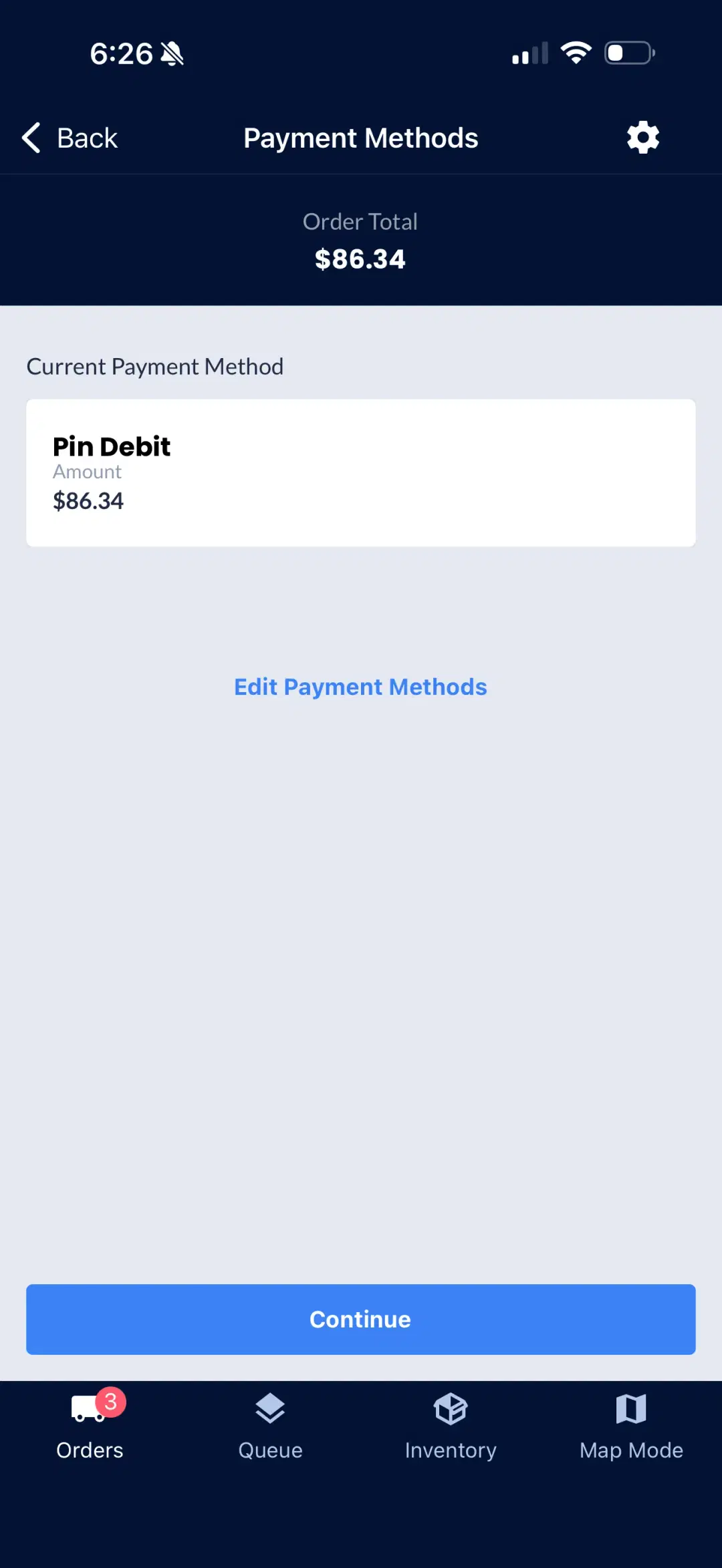
Navigate
Google Maps
Inventory
Vehicle stock
Pin Debit
$86.34
New Order
Push alert
On Duty
Active
What Is the Fleet App?
Fleet App is WebJoint's driver-facing mobile app built for cannabis delivery operations. Drivers can log in, go on duty, receive assigned orders, navigate to customers, and complete deliveries with the right context at every stop.
Drivers can log in even if they have no assigned orders, but they will not see an active order queue.
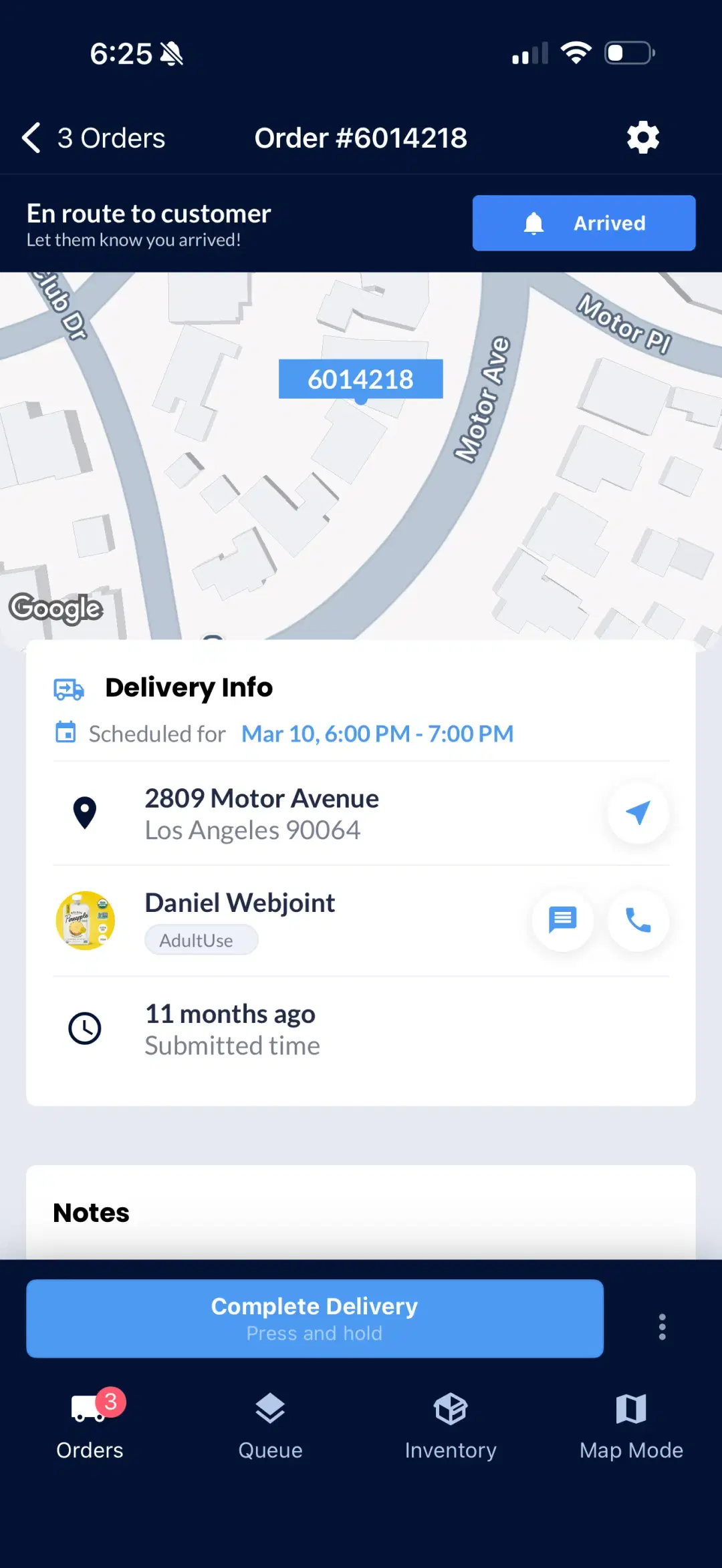
Log In and Go On Duty
Drivers sign in using their email and password. Once logged in, they can go on duty so the system begins assigning deliveries to them.
Going on duty signals the dispatch system that the driver is ready to receive orders. The app shows assigned orders as soon as they are dispatched, keeping the driver in sync with the delivery queue.
What Can Drivers See in the Fleet App?
The app centers around assigned orders. Drivers have full visibility into every delivery before they leave.
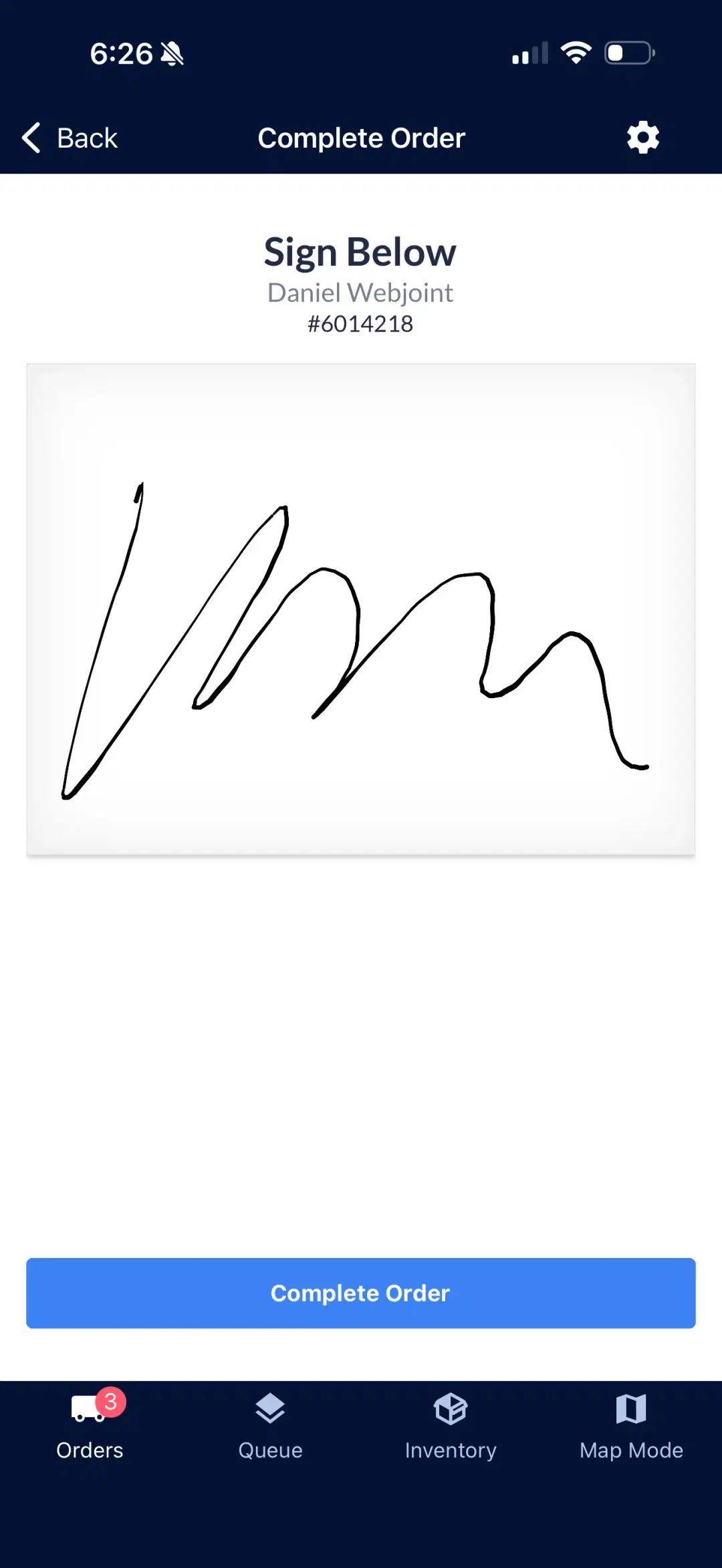
Drivers can update delivery status as they move through the route so deliveries stay in sync as they are completed.
How Does Navigation Work?
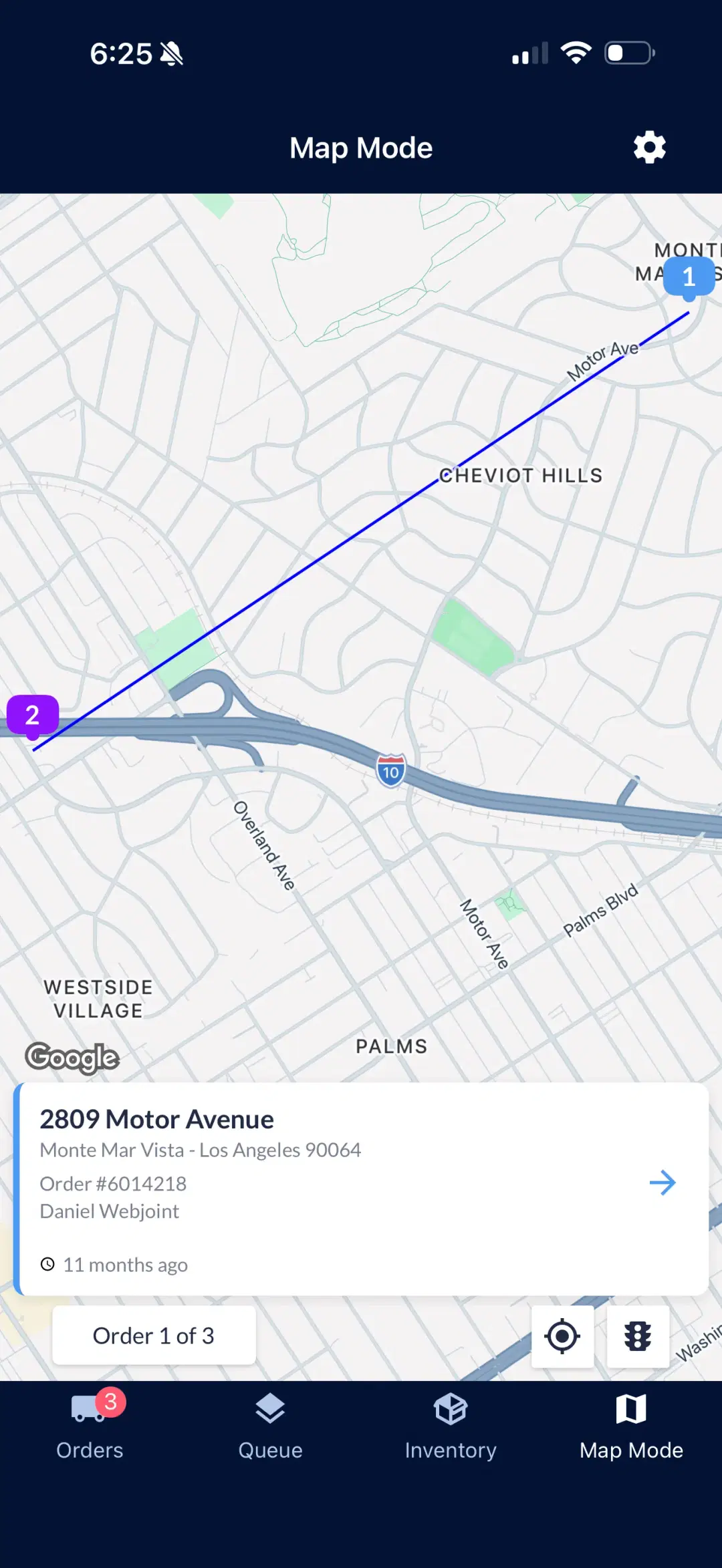
Routing is automatically assigned and optimized. When a driver is ready to navigate, they can launch directions directly from the app.
The Map Mode view shows all stops on a single map with optimized ordering, so drivers always know where they are headed next.
Can Drivers See Vehicle Inventory?
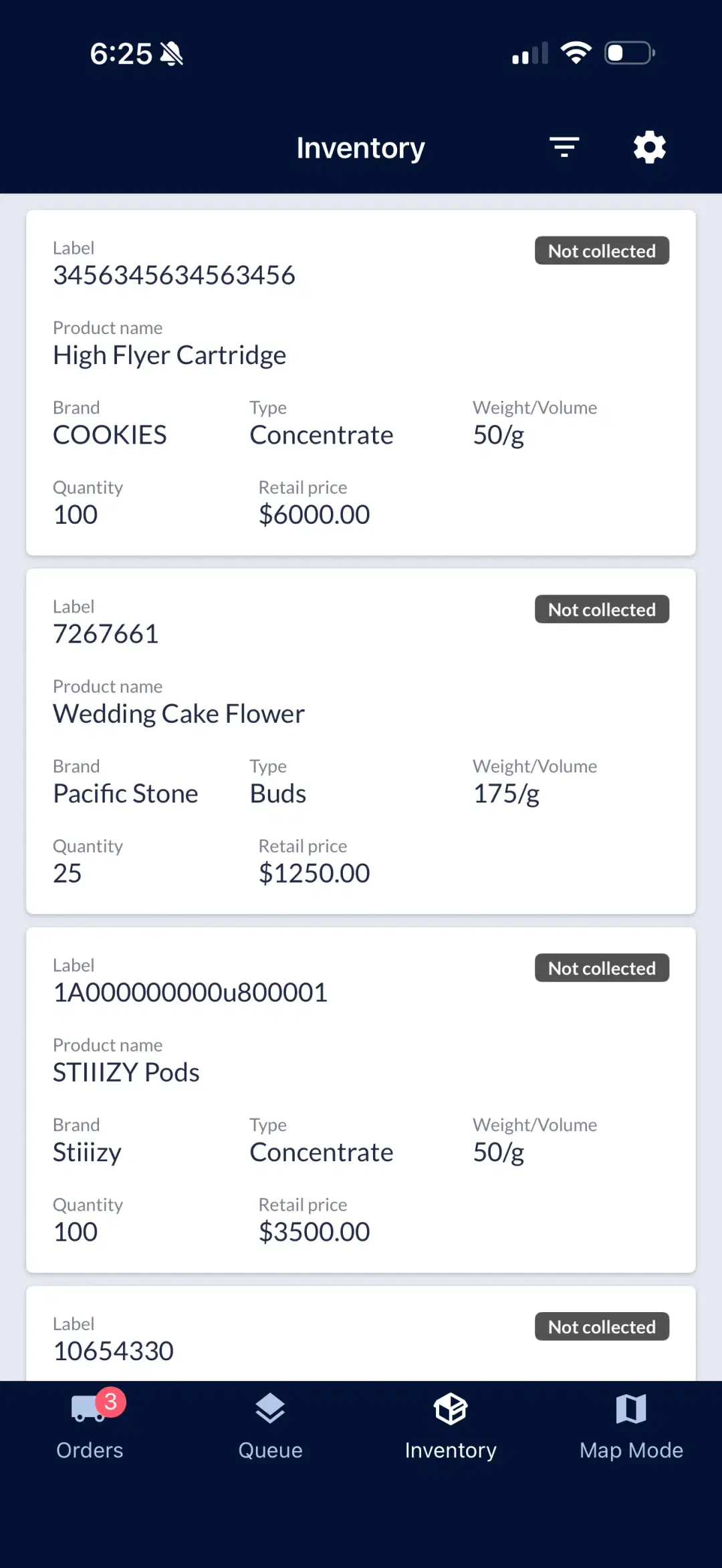
Yes. Drivers can view the inventory assigned to their vehicle directly in the app. Each item shows the product label, name, brand, type, weight, quantity, and retail price.
Order Add-Ons
When allowed by the operator, drivers can add items to an order from their vehicle inventory. This supports scenarios where a customer wants to add products at the door.
Drivers cannot adjust inventory counts. Inventory management stays controlled in the browser platform.
How Do Drivers Get Notified of New Orders?
The Fleet App sends push notifications when new orders are assigned to a driver. This keeps drivers informed without needing to keep the app open.
There is no in-app dispatch messaging. All order assignments and updates flow through the notification system and the order queue.
Fleet App Questions
Common questions about the driver-facing mobile app, order flow, navigation, inventory visibility, and delivery completion.
See the Fleet App in Action
Request a demo covering driver login, on-duty flow, assigned orders, optimized routing, vehicle inventory visibility, and delivery completion.